Product Hunt Alternative
Product Hall of Fame
ProductFame helps founders launch products, gain visibility, and earn backlinks while users discover new startups and tools.
ProductFame helps founders launch products, gain visibility, and earn backlinks while users discover new startups and tools.
Overview
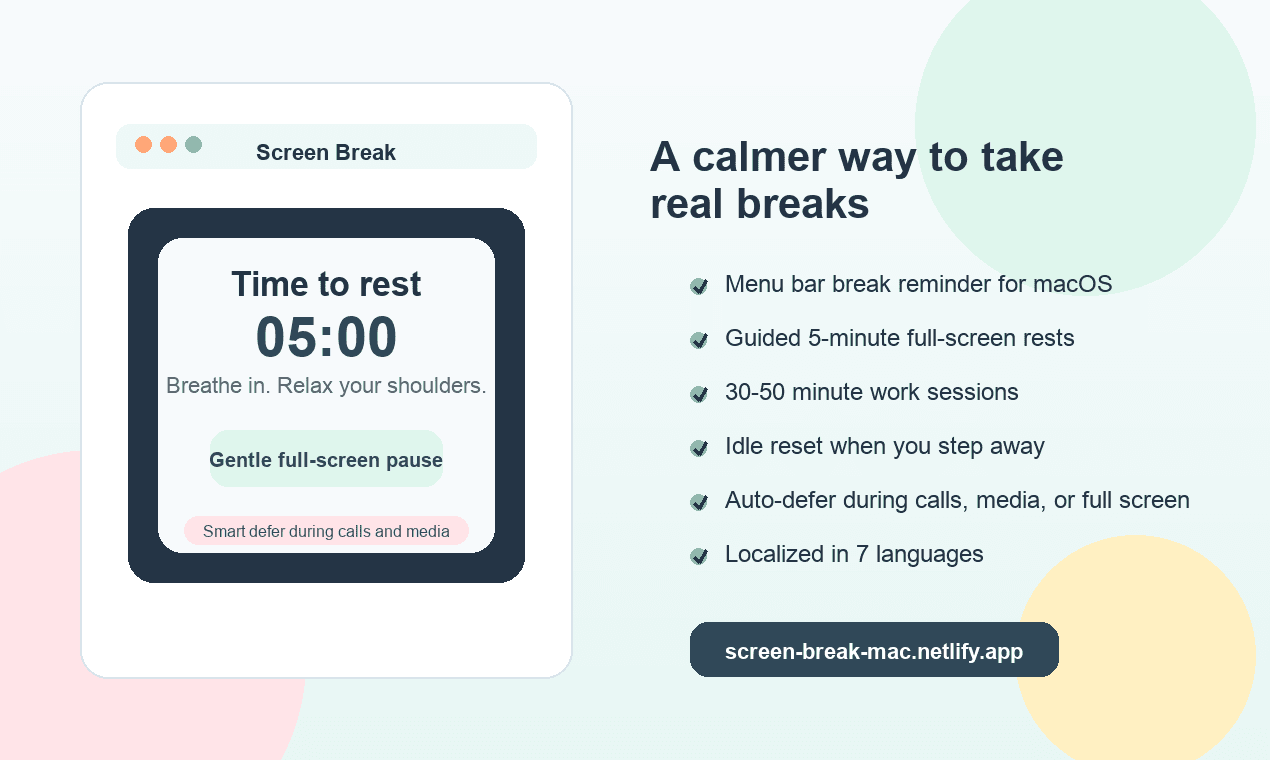
Screen Break is a gentle but firm macOS break reminder for people who spend long hours at their desk and need real pauses, not just another notification to dismiss. It runs quietly in the menu bar, tracks focused work time, and opens a full-screen guided rest when it is time to step away. The app is designed for developers, designers, writers, remote workers, students, and anyone who wants a healthier screen rhythm without turning break reminders into a complicated productivity system.
Key Features
Screen Break supports full-screen guided rests across displays, a clear five-minute countdown, breathing prompts, and simple movement instructions. The work duration can be set from 30 to 50 minutes, while rest stays calm and predictable. Smart idle reset helps avoid awkward timing: if you have already been away from the computer for a while, the work timer can restart instead of forcing a break the moment you return. Busy auto-defer can also avoid interruptions when media, meetings, presentation mode, or full-screen activity are detected.
The app includes friendly friction for skipping. Restarting the work timer is limited to once per day, and temporary quit is limited to one hour and once per day, with a scheduled relaunch. This makes Screen Break more effective than a reminder that can be dismissed endlessly, while still leaving room for real-life exceptions. It also supports Simplified Chinese, English, Japanese, Korean, Spanish, French, and German, so the core experience can feel natural for more users.
Use Cases
Use Screen Break when ordinary timers are too easy to ignore, when you forget to rest during deep work, or when you want a simple macOS companion that nudges you away from the screen without asking you to manage another dashboard. It is especially helpful for solo workers and small teams who want healthier habits but do not want a heavy wellness platform.
Getting Started
Download the macOS app, unzip it, and run Screen Break. It starts as a menu bar app and uses a default rhythm of 30 minutes work followed by 5 minutes rest. You can adjust work duration from the menu, change the unlock passcode, and leave the app running in the background. The download is a universal macOS build for Apple Silicon and Intel Macs.
Pricing & Plans
Screen Break is currently free for the first public release. The goal is simple: make real breaks easier to keep, with a calm interface and just enough structure to help people actually step away.
Product details are supplied by the publisher. Verify current features, availability, and pricing on the official Screen Break website.


tig

Directory Submission Service


