Product Hunt Alternative
Product Hall of Fame
ProductFame helps founders launch products, gain visibility, and earn backlinks while users discover new startups and tools.
ProductFame helps founders launch products, gain visibility, and earn backlinks while users discover new startups and tools.
Overview
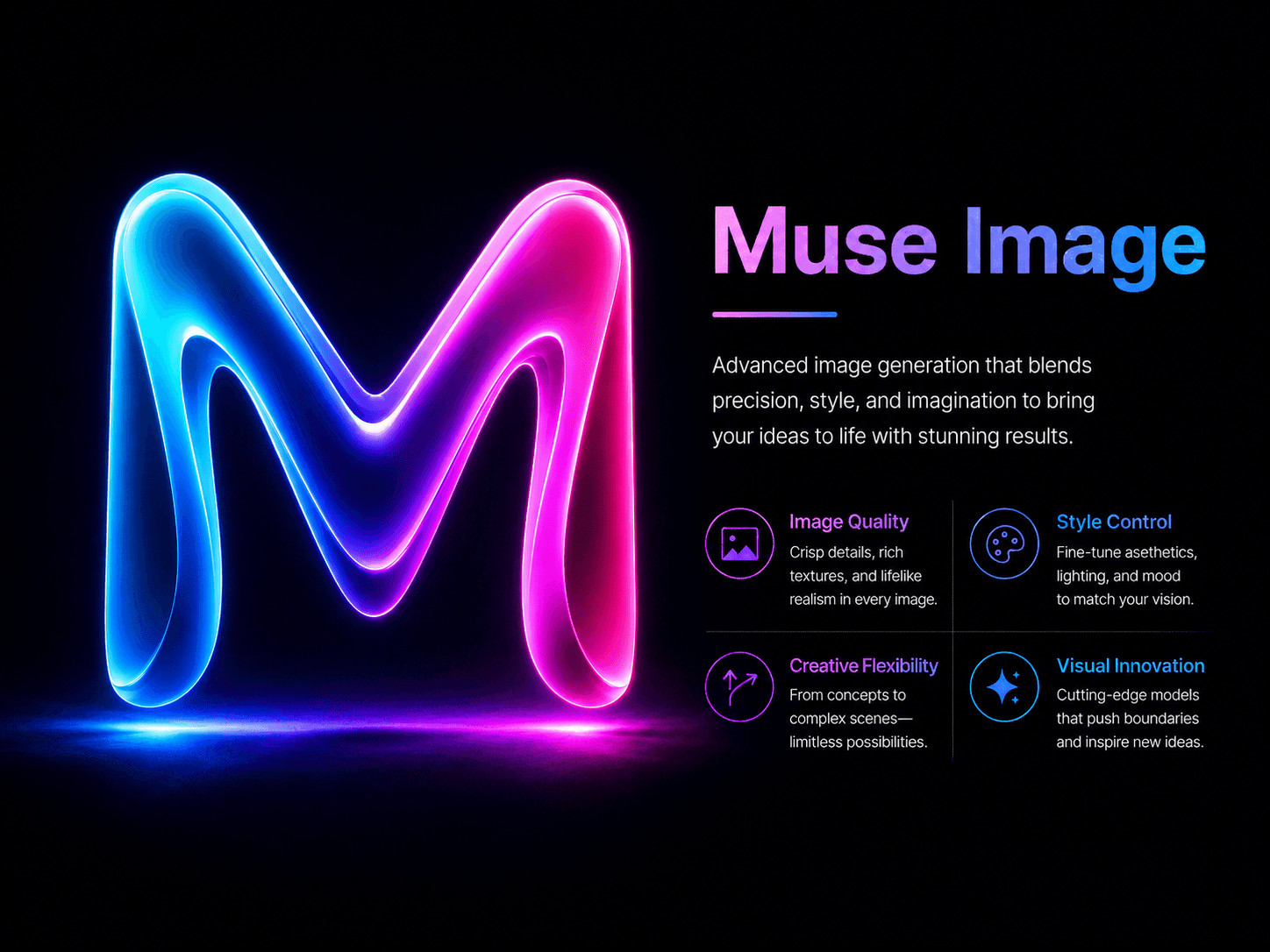
Muse Image is a browser-based workspace for exploring and refining AI-assisted image directions. According to the product page, the experience supports starting from a written prompt and working with an existing image, which makes it relevant to both early concept exploration and focused visual revision. The product is best understood as one component in a broader creative review process: teams still define the brief, choose references, compare alternatives, and decide whether an output is appropriate for the final context.
A practical image workflow
A useful workflow begins before generation. Write down the audience, intended placement, aspect ratio, subject, visual hierarchy, acceptable style range, and details that must not change. Separate hard constraints from optional preferences. A concise brief reduces random iteration and gives reviewers a shared basis for comparing results. Once the brief is clear, create a small set of directions rather than a large undifferentiated batch. Review each direction against the same criteria, keep the strongest candidate, and revise one variable at a time.
Key capabilities described on the product page
The Muse Image product page presents text-led image generation and image-based editing as the main ways to begin. Text-led exploration is suitable when the team needs several visual directions from a defined concept. Image-based editing is useful when composition, subject identity, or another source-image property should remain part of the brief. These modes can be combined with a review checklist so that selection is based on project requirements instead of novelty alone. Exact availability and current product terms should always be confirmed on the live product page.
Use cases
Potential use cases include concept boards, campaign direction tests, article illustrations, social creative drafts, product storytelling, and visual references for a designer. The appropriate level of human review depends on the destination. A private mood board may tolerate rough details, while a public product image needs closer inspection for text accuracy, unwanted objects, brand consistency, and misleading visual claims. Generated material should also be checked against applicable rights, privacy, and disclosure requirements before publication.
Getting started
Open Muse Image and begin with a brief that can be evaluated. A simple brief can contain five fields: goal, audience, required elements, exclusions, and review criteria. Generate or edit a limited set of candidates. Record why one direction is preferred, then make the next revision narrow and explicit. Before export, inspect the full-resolution result and verify edges, hands or faces when present, embedded text, logos, repeated patterns, and consistency with the original brief. This turns image generation into a controlled decision process rather than a sequence of unrelated prompts.
Review checklist
- Does the image satisfy the stated audience and placement?
- Are required subjects and visual priorities present?
- Are excluded objects, styles, or claims absent?
- Is text readable and factually correct where text appears?
- Are brand elements used consistently and legitimately?
- Has a reviewer checked the final asset at its intended size?
Access and current terms
The live Muse Image page provides the current access path and describes the available ways to begin. Because pricing, credits, limits, and feature availability can change, this listing does not assert fixed quantities or performance promises. Visitors should review the current product page before relying on any commercial or operational term.
Visit Muse Image: https://muse-image.co/

Giang Taira
Product details are supplied by the publisher. Verify current features, availability, and pricing on the official Muse Image website.
Directory Submission Service