Product Hunt Alternative
Product Hall of Fame
ProductFame helps founders launch products, gain visibility, and earn backlinks while users discover new startups and tools.
ProductFame helps founders launch products, gain visibility, and earn backlinks while users discover new startups and tools.
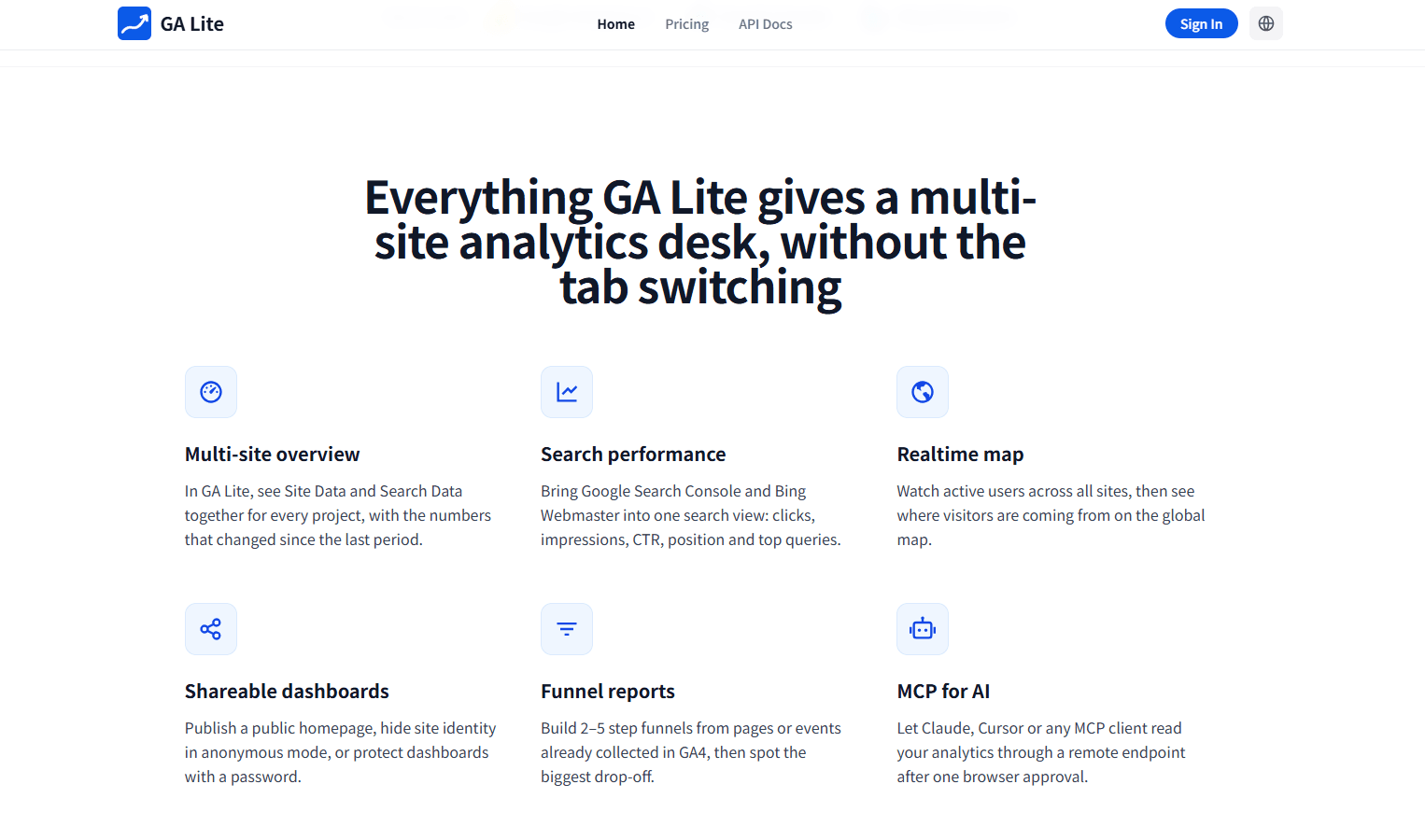
GA Lite is a lightweight dashboard for anyone who manages multiple websites in Google Analytics. If you have more than one GA4 property, you probably know the routine: open Google Analytics, switch accounts, choose the right property, wait for reports to load, check the same few numbers, then repeat the whole process for the next site. GA Lite removes that repetitive work by bringing your key GA4 metrics together in one clean view.
With GA Lite, you can connect multiple GA4 accounts and monitor the performance of different websites from a single page. It focuses on the numbers most people check every day, such as visitors, page views, sessions, and visit duration. Instead of digging through several Google Analytics reports just to understand how your sites are doing, you get a simple overview that helps you spot changes faster.
The product is designed for founders, indie makers, marketers, SEO teams, content operators, agencies, and small teams that look after several domains or client websites. It is not meant to replace every advanced report inside Google Analytics. Instead, it gives you a faster way to answer practical daily questions: Which site is getting more traffic today? Did yesterday’s campaign bring in visitors? Is one property suddenly dropping? Which content project is starting to grow? Where should I spend my time next?
A common use case is a founder running several side projects. Instead of checking each project separately in GA4, they can open GA Lite in the morning and quickly see which sites are active, which ones need attention, and whether recent launches or content updates are moving the numbers. For an agency, GA Lite can work as a quick traffic check across client accounts before a meeting. For a marketer, it can make campaign monitoring easier by showing whether traffic changed across several landing pages or websites. For SEO and content teams, it is useful for keeping an eye on multiple niche sites, blogs, or product pages without turning traffic checks into a time-consuming reporting task.
GA Lite’s main strength is that it keeps analytics simple. The interface is built around visibility, not complexity. You can connect your GA4 accounts, review your core metrics, compare performance across properties, and use the dashboard as a starting point before going deeper into Google Analytics when needed. This makes it helpful for people who want a clear reporting layer on top of GA4 without setting up a heavy BI tool or building custom spreadsheets.
Security is also kept straightforward. GA Lite connects through Google OAuth with read-only access, so it is built for viewing analytics data rather than changing your Google Analytics settings. This makes it a practical option for teams and individuals who want a cleaner way to monitor traffic while keeping GA4 as the source of truth.
For example, imagine you manage five websites: a SaaS landing page, a documentation site, a blog, a product directory listing, and a small content project. In Google Analytics, checking all of them can take several minutes and many clicks. In GA Lite, you can start from one dashboard, see the core numbers side by side, notice which site changed, and then decide whether you need to investigate further. That simple workflow can save time every day, especially when traffic monitoring is part of your regular routine.
GA Lite is built for people who do not want analytics to feel heavier than the work itself. It gives you a focused, readable, multi-account GA4 dashboard so you can understand website performance faster, reduce account switching, and keep track of all your important sites from one place.

hong xiao
Product details are supplied by the publisher. Verify current features, availability, and pricing on the official GA Lite website.
Directory Submission Service