Product Hunt Alternative
Product Hall of Fame
ProductFame helps founders launch products, gain visibility, and earn backlinks while users discover new startups and tools.
ProductFame helps founders launch products, gain visibility, and earn backlinks while users discover new startups and tools.

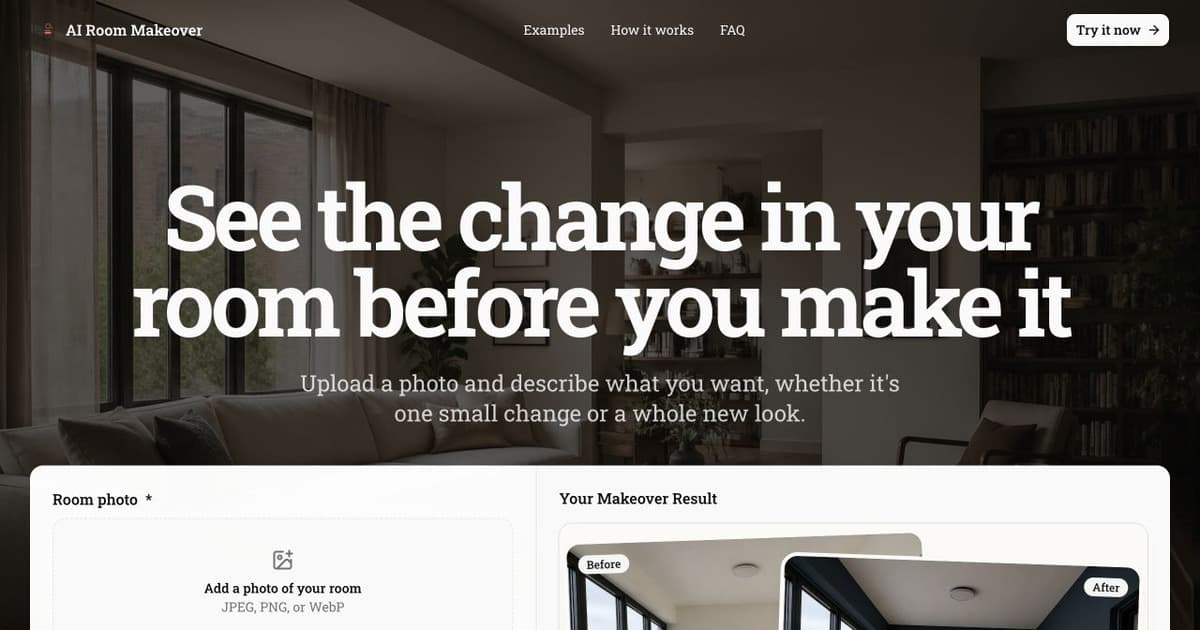
AI Room Makeover is a browser-based room design tool that helps people explore renovation and decoration ideas from a real photo of their space. A visitor uploads a room photo, describes the changes they want, and generates a visual concept that keeps the original room as the starting point. The service is designed for early planning, when seeing an idea is more useful than trying to imagine it from a list of materials or furniture names.
Key Features
Photo-based redesign: Start with an existing bedroom, living room, kitchen, office, or other interior photo instead of a blank canvas.
Natural-language instructions: Describe a style, color direction, furniture change, material, lighting mood, or broader room transformation in ordinary language.
Reference images: Add optional visual references when a particular product, finish, palette, or design direction is difficult to explain with words alone.
Downloadable concepts: Generate and download room concepts that can be compared, shared, or used as a discussion aid before physical work begins.
Accessible first use: Visitors can try the core workflow without creating an account. Optional paid credits are available for additional generation use, without requiring a subscription.
Use Cases
Homeowners can compare several design directions before buying furniture, paint, flooring, or decor. Renters can test changes that fit a temporary space. Interior design enthusiasts can turn a rough idea into a concrete visual reference. Designers and contractors can use generated concepts as an early conversation aid while gathering requirements from a client. The images are planning concepts, so exact dimensions, material availability, construction feasibility, and final purchasing decisions should still be checked separately.
A common workflow is to upload a clear photo, ask for one focused change, review the result, then refine the prompt. For example, a user might keep the room layout while changing the wall color, flooring, and lighting, or request a Scandinavian, mid-century modern, industrial, or minimalist direction. When a specific chair, tile, cabinet finish, or palette matters, a reference image can help communicate that intent.
Getting Started
Open https://airoommakeover.com/ and upload a well-lit photo that shows the room clearly. Describe the desired result and any elements that should remain unchanged. Add reference images only when they provide useful visual guidance. Generate a concept, compare it with the original room, and revise the instructions if another direction is needed. Download the useful results for later review or discussion.
For better comparisons, change one major design decision at a time and keep the same source photo. This makes it easier to judge whether a different material, color, layout direction, or style actually improves the space. Results should be treated as visual planning material rather than construction drawings or a promise that a particular product is available.
Pricing & Access
The website lets visitors try the core room makeover workflow without an account. Additional use is available through optional paid credits. There is no subscription requirement. Current access details and credit options are shown on the official website.

Sawana Huang
Product details are supplied by the publisher. Verify current features, availability, and pricing on the official AI Room Makeover website.
Directory Submission Service


