Product Hunt Alternative
Product Hall of Fame
ProductFame helps founders launch products, gain visibility, and earn backlinks while users discover new startups and tools.
ProductFame helps founders launch products, gain visibility, and earn backlinks while users discover new startups and tools.
Overview
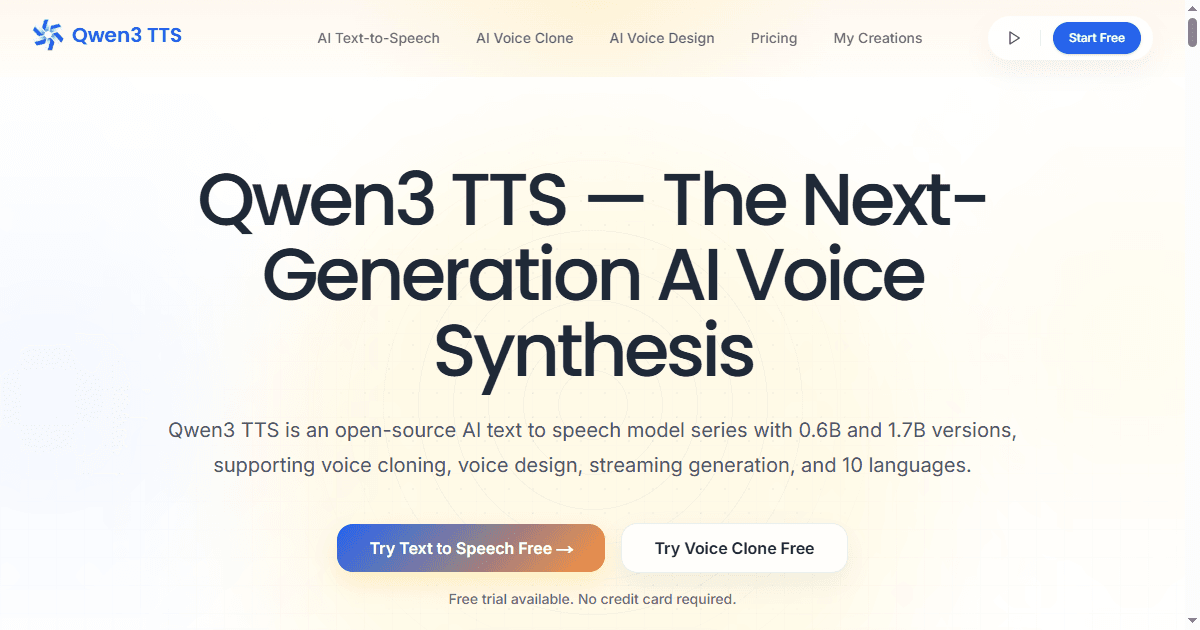
Qwen3 TTS is presented on its current product page as a browser-based text-to-speech workspace. The page describes text-to-speech generation, voice cloning from an audio reference, custom voice direction, and multilingual voiceover creation. This listing treats those capabilities as parts of an audio production workflow rather than making fixed claims about speed, quality, pricing, model versions, or usage limits. Current access and terms should always be confirmed on the live product page.
Start with a voice brief
A useful voice brief defines the audience, destination, language, tone, pacing, pronunciation requirements, and review owner before any audio is generated. It should separate requirements from preferences. Requirements might include the exact script, required names, disclosure language, and duration range. Preferences might include warmth, energy, or conversational style. This separation gives reviewers a consistent basis for deciding whether a draft is usable.
Prepare text for speech rather than for silent reading
Written copy often contains abbreviations, numbers, punctuation, and sentence structures that sound unclear when read aloud. Expand ambiguous abbreviations, add pronunciation notes for names, break long sentences, and mark intentional pauses. For multilingual work, assign a reviewer who understands the target language and context. The goal is not merely to produce audio, but to make the intended meaning easy to hear and verify.
Use controlled review passes
Review the first draft in separate passes. Start with script fidelity: confirm that words were not omitted, repeated, or changed. Then review pronunciation, pacing, emphasis, and emotional fit. Finally, listen in the intended playback context, such as a product demo, tutorial, short video, or accessibility track. Record each issue against a timestamp so that the next revision changes a specific variable instead of restarting the entire direction.
Voice cloning and consent
When a workflow uses a voice reference, teams should confirm authorization, consent, storage expectations, and the permitted publishing context before uploading or releasing audio. A generated voice should not be used to misrepresent a person or imply endorsement. Keep a clear record of the source, reviewer, intended use, and approval decision. Human review remains necessary for identity, rights, privacy, disclosure, and brand suitability.
Potential use cases
Potential uses include narration drafts, product walkthroughs, multilingual voiceover planning, accessibility audio, learning content, podcast placeholders, and early dialogue review. The required quality threshold depends on the destination. An internal timing draft may tolerate rough delivery, while public-facing material needs closer review for pronunciation, factual accuracy, rights, and disclosure.
Review checklist
- Does the audio match the approved script?
- Are names, numbers, abbreviations, and technical terms pronounced correctly?
- Is pacing appropriate for the intended channel and audience?
- Are pauses and emphasis consistent with the meaning?
- Has any voice reference been authorized for this use?
- Has a human reviewer approved the final audio in context?
Access and current terms
The live Qwen3 TTS page is the source to consult for current access, pricing, limits, languages, and feature availability. Those facts can change, so this description does not repeat fixed quantities or performance promises. Visit https://www.qwen3tts.net/ to review the current product information.

Luka Fabry
Product details are supplied by the publisher. Verify current features, availability, and pricing on the official Qwen3 TTS website.
Directory Submission Service


