Product Hunt Alternative
Product Hall of Fame
ProductFame helps founders launch products, gain visibility, and earn backlinks while users discover new startups and tools.
ProductFame helps founders launch products, gain visibility, and earn backlinks while users discover new startups and tools.
Overview
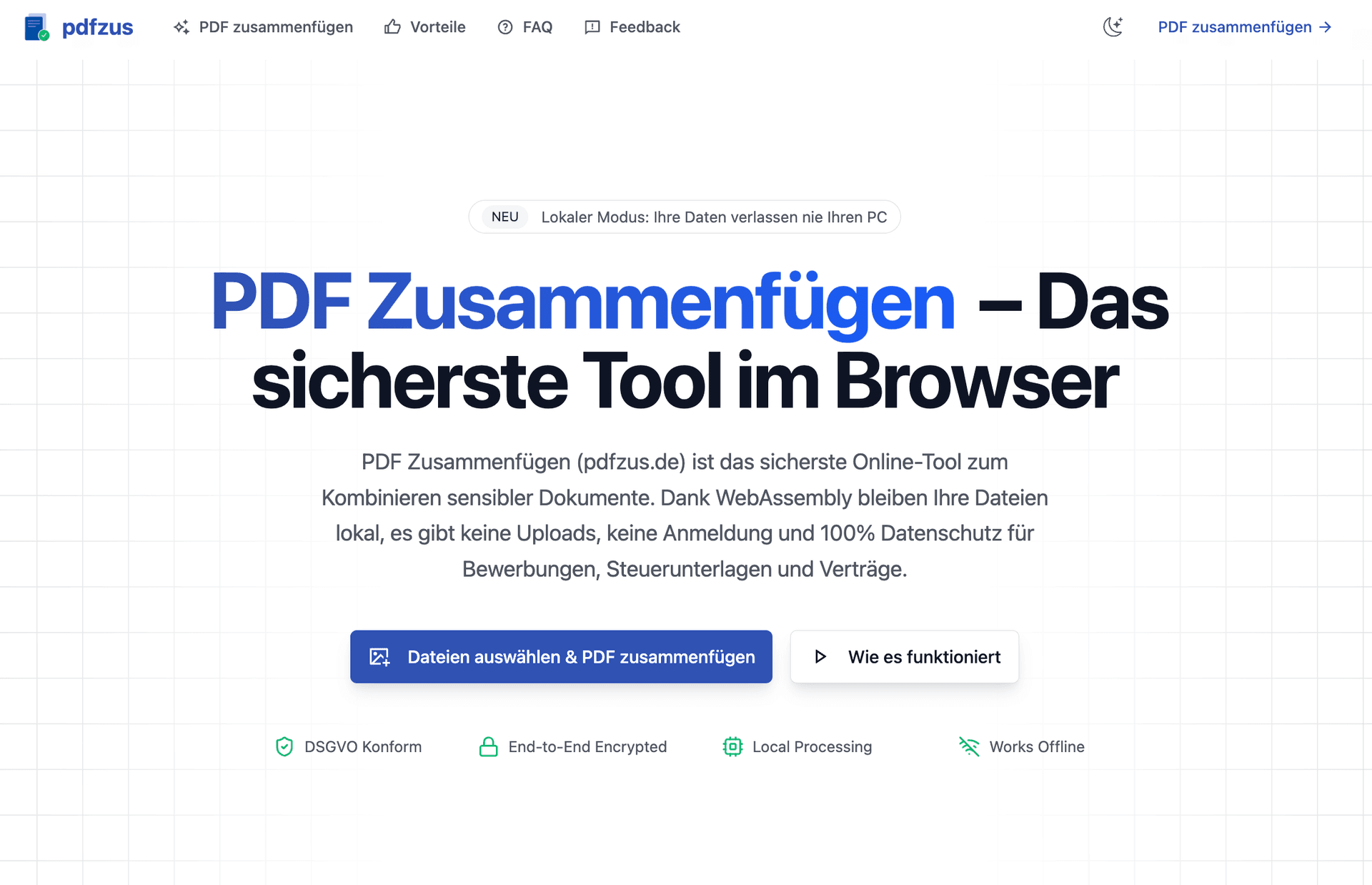
pdfzus is a browser-based PDF utility for people who need a straightforward way to organize documents before sharing or archiving them. It focuses on three practical tasks: merging multiple PDF files, arranging their order, and reducing file size through PDF compression. The core workflows run locally in the browser, so users do not need to create an account or upload their documents to a remote processing service. Exports do not include a watermark.
Key Features
Merge PDFs: Add multiple PDF documents and combine them into one file. This is useful when an application, report, contract package, or set of scanned documents needs to be delivered as a single PDF.
Reorder before export: Arrange uploaded documents and pages into the required sequence before creating the final file. Users can review the order and correct it in the browser instead of repeatedly creating new copies.
Compress PDFs: Reduce the size of a PDF when an email attachment, application portal, or document management system has a file-size limit. The compression workflow is available from the same browser-based product.
Local processing: The core PDF workflow is designed to process files on the user's device. This reduces unnecessary transfer of private documents and makes the tool suitable for everyday paperwork where users prefer not to send source files to a third-party server.
No account for core tools: A visitor can open the tool and start working without registering. The main workflow is available without an account and without a watermark on the result.
Use Cases
Applications and supporting documents: Combine a cover letter, resume, certificates, and other attachments into a single ordered application PDF.
Reports and project handoffs: Merge chapters, appendices, charts, and supporting files into one document in the correct sequence.
Administrative paperwork: Organize forms, invoices, receipts, or scanned pages before sending them to a colleague, customer, school, or public office.
Email and portal limits: Compress a finished PDF when the receiving system accepts only smaller uploads.
Personal document organization: Join related files into one clean archive rather than keeping many separate attachments.
Getting Started
Open pdfzus in a current browser and choose the PDF task that matches the job. For merging, add the source PDF files, arrange them in the desired order, and create the combined document. For compression, select the PDF that needs to be smaller, run the compression step, and download the result. Because the core processing happens in the browser, there is no required account setup before starting these workflows.
Who It Is For
pdfzus is intended for students, job applicants, freelancers, office workers, small teams, and anyone who regularly needs to prepare PDF documents. The interface and German-language product positioning make it particularly approachable for German-speaking users, while the underlying PDF tasks are common in many document workflows.
Pricing and Access
The currently described core merge, reorder, and compression workflows are available without requiring account registration. The product should be categorized as Free for this listing. This statement describes the current core workflow and does not claim that every possible future feature will always be free.
Why Try pdfzus
The product keeps the workflow focused: select documents, organize them, process them locally, and download the result. It avoids the friction of mandatory registration and avoids adding a watermark to the core output. For users who value a simple browser workflow and prefer local document handling, pdfzus provides a practical alternative to installing a desktop application or sending files to a remote conversion service.
Product details are supplied by the publisher. Verify current features, availability, and pricing on the official pdfzus website.