Product Hunt Alternative
Product Hall of Fame
ProductFame helps founders launch products, gain visibility, and earn backlinks while users discover new startups and tools.
ProductFame helps founders launch products, gain visibility, and earn backlinks while users discover new startups and tools.

Overview
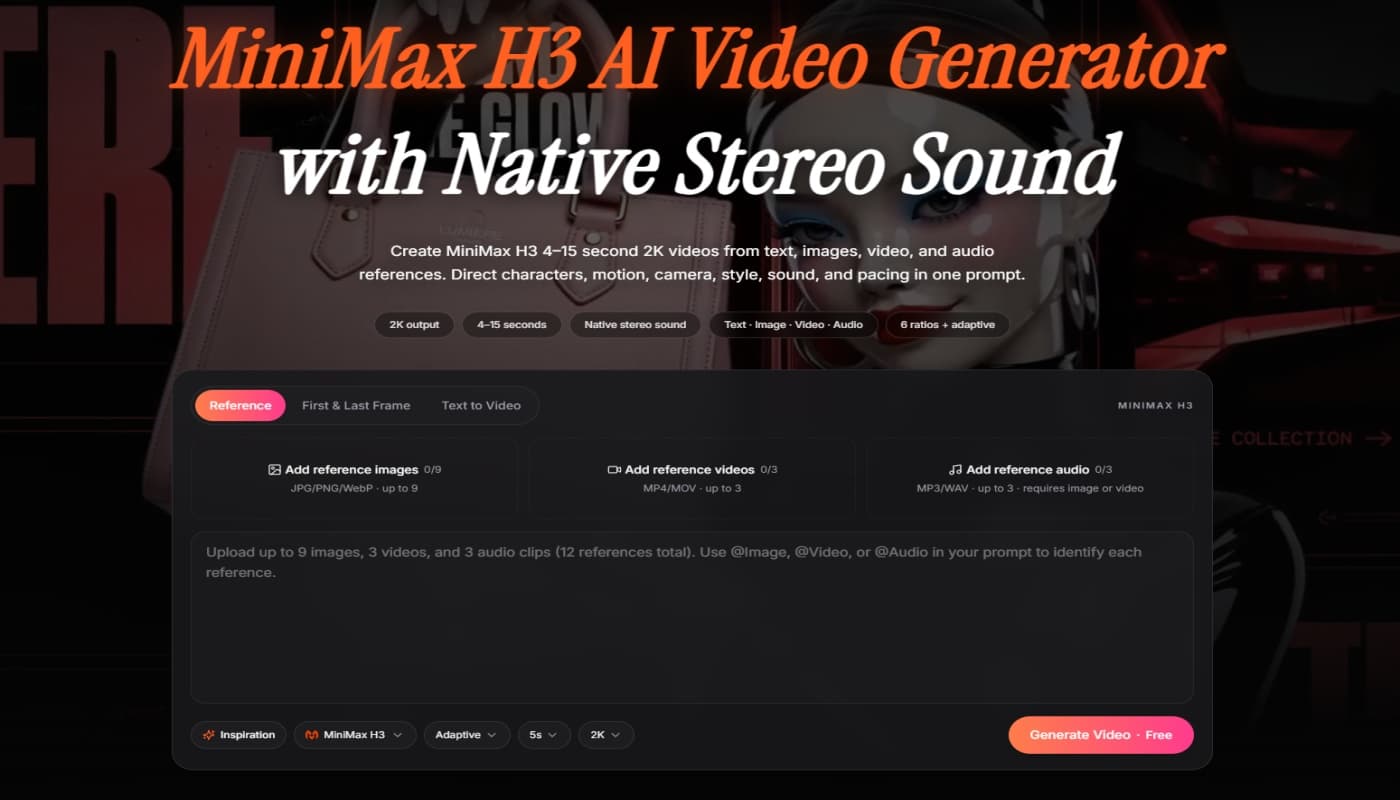
MiniMax H3 is a general-purpose, open-weight multimodal generation model built by MiniMax. It understands a single unified context spanning text, images, video, and audio, and produces short-form videos up to 15 seconds long at 2K resolution — complete with native stereo sound generated in the same pass as the visuals. Unlike traditional pipelines that layer voice, effects, and music onto a silent video afterward, H3 models sound and picture together, resulting in tighter sync between dialogue, ambience, and motion. This site gives creators and developers a fast way to explore H3, follow release updates, and access prompting guides and workflow tutorials.
Key Features
Unified multimodal context: combine up to 9 reference images, 3 video clips, and 3 audio tracks in a single generation request.
Native stereo audio: dialogue, sound effects, foley, and music are generated alongside the video, not added afterward.
High-resolution output: up to 2K at 24fps, roughly 5–15 seconds per clip.
Multiple workflows: text-to-video, image-to-video, and reference-to-video (motion transfer, first/last-frame control).
Accurate text and brand rendering: legible on-screen type, subtitles, and logos for product and UI/UX work.
Localized editing: swap a product, change signage, relight a scene, or add/remove objects while the rest of the shot stays stable.
Long-form prompting: supports prompts up to roughly 7,000 characters for detailed shot lists.
Open weights: MiniMax has released model weights for community use, with a distilled checkpoint suited for local deployment.
Use Cases
Advertising and brand films that need synchronized dialogue, music, and visuals in one take.
Product reveals and e-commerce clips showcasing items with accurate on-screen text.
UI/UX and motion design, including animated interface walkthroughs and app previews.
Game trailers, cinematics, and character performance pieces.
Social content and short-form storytelling requiring fast iteration.
Getting Started
Visit the site and choose a generation mode: text-to-video, image-to-video, or reference-to-video.
Write a prompt describing the scene, camera movement, dialogue, and sound you want.
Optionally upload reference images, video clips, or audio to guide style, identity, or voice.
Generate your clip and review the synced video and audio output.
Iterate with localized edits or regenerate specific sections as needed.
Product details are supplied by the publisher. Verify current features, availability, and pricing on the .

lunabella (lunabella)
Directory Submission Service


