
IraVoice for Mac
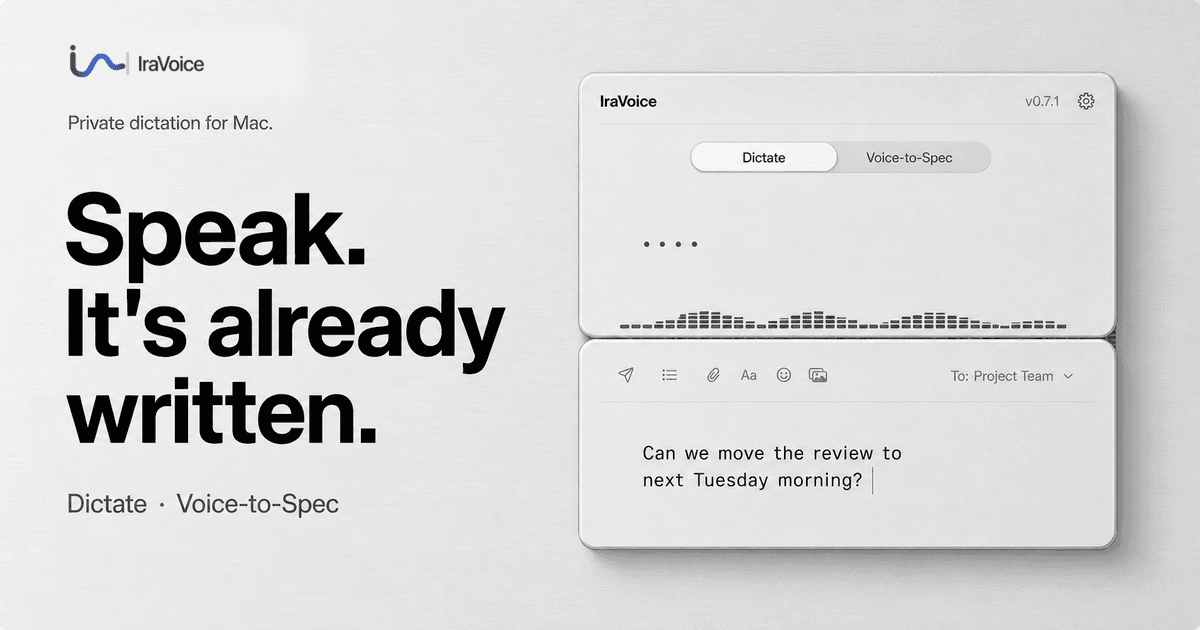
What Is IraVoice for Mac?
Overview
IraVoice is a private, on-device dictation app for Mac designed for Apple-silicon Macs.
It allows users to turn their speech into polished text or agent-ready Markdown directly on their computer, ensuring that voice and text data remain local.
Key Features
- Private On-Device Dictation: All speech recognition and processing happen locally on your Mac, ensuring data privacy.
- Dictation Anywhere: Use the Right Option key to dictate in any focused text field across your macOS applications.
- Agent-Ready Markdown: Utilize the Globe key to transform speech into a structured brief or spec, ideal for agent workflows.
- Seamless Integration: Text appears directly where your cursor is, creating a smooth writing experience.
- The product can support both initial exploration and longer-term adoption by presenting capabilities in a way that is easier to review, compare, and operationalize across different stages of use.
Use Cases
- Teams can evaluate IraVoice for Mac when they need a more streamlined way to organize work, centralize execution, or improve consistency across repeated tasks and internal processes.
- Solo founders, operators, and marketers can use the product to reduce manual effort, sharpen visibility into what matters, and build a workflow that is easier to maintain over time.
- Offline Functionality: Speech models download on first use, and the app functions without requiring an internet connection after initial license verification.
- The product is especially useful during research-heavy buying journeys where clear documentation, visible feature framing, and a practical onboarding path influence whether a team moves forward.
Getting Started
- Visit https: //iravoice. com and review the core product messaging, primary feature set, screenshots, or product examples to confirm whether the solution matches the problem you are trying to solve.
- Map the available functionality against your current workflow, team requirements, existing tools, and the type of outcomes you expect to achieve during an initial trial or pilot phase.
- Start with the most immediate use case first, validate the setup process, and document where IraVoice for Mac saves time, improves clarity, or removes friction from your current approach.
- Once the basics are working, expand usage gradually, involve the right stakeholders, and compare plan limits, support options, and integration depth before making a broader commitment.
Pricing & Plans
The product appears to follow a freemium model with an accessible starting point and room to unlock more advanced capabilities, higher usage limits, or premium workflows as needs grow.
For the most accurate pricing and packaging information, users should confirm the latest details on the official IraVoice for Mac website, including free access, trial options, plan tiers, usage caps, team features, and any implementation considerations that could affect ROI.
Apple-Silicon Optimized: Built specifically for modern Macs with Apple-silicon processors for optimal performance.
Product details are supplied by the publisher. Verify current features, availability, and pricing on the official IraVoice for Mac website.
What Is the Community Saying?
Achievement


Publisher

IraVoice


